Text animation, spelled right

Animated text generator for titles, quotes and captions

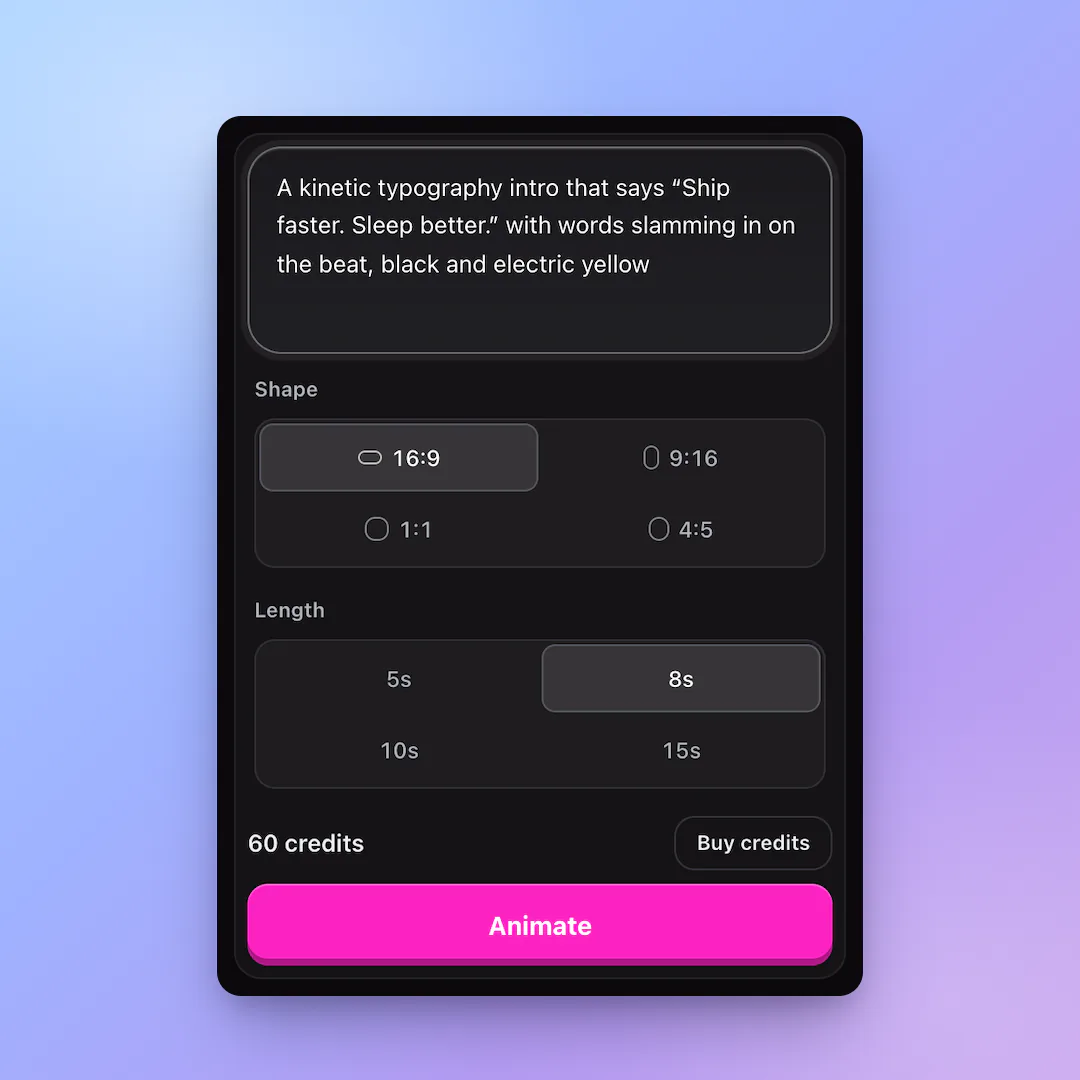
Type the words and how they should move. Get a clean text animation with exact spelling, in the font and colors you choose.

  • Exact spelling
  • Pro easing
  • 1080p MP4
Try
Shape
Length

60 credits

Buy credits

At a glance

This animated text generator turns a written brief into a text animation video. Quote the words you want, describe their entrance and timing, and choose 5, 8, 10 or 15 seconds. Claude Opus 5.5 writes the canvas program, which your browser renders at 1080p and 30 fps. Review spelling and line breaks before exporting. Each generation uses 60 purchased credits, with no signup allowance. The published vertical sample includes its original prompt and settings.

Price
60 credits per animation, any shape or length (about $0.53 to $0.80)
Account
Registration is free; animations require purchased credits. No signup credits are included.
Fonts
Inter, Space Grotesk, Playfair Display, Bebas Neue, Instrument Serif, JetBrains Mono, Caveat, Noto Sans SC and more
Formats
16:9, 9:16, 1:1 and 4:5 at 1080p, 30 fps
Export
MP4 video (WebM where a browser lacks H.264) and the HTML source

Watch this generated animation

Published examples generated on October 18, 2026 with Claude Opus 5.5 and exported from the browser player at 1080p and 30 fps. Each card has the original brief and settings. These are individual examples, not a quality benchmark.

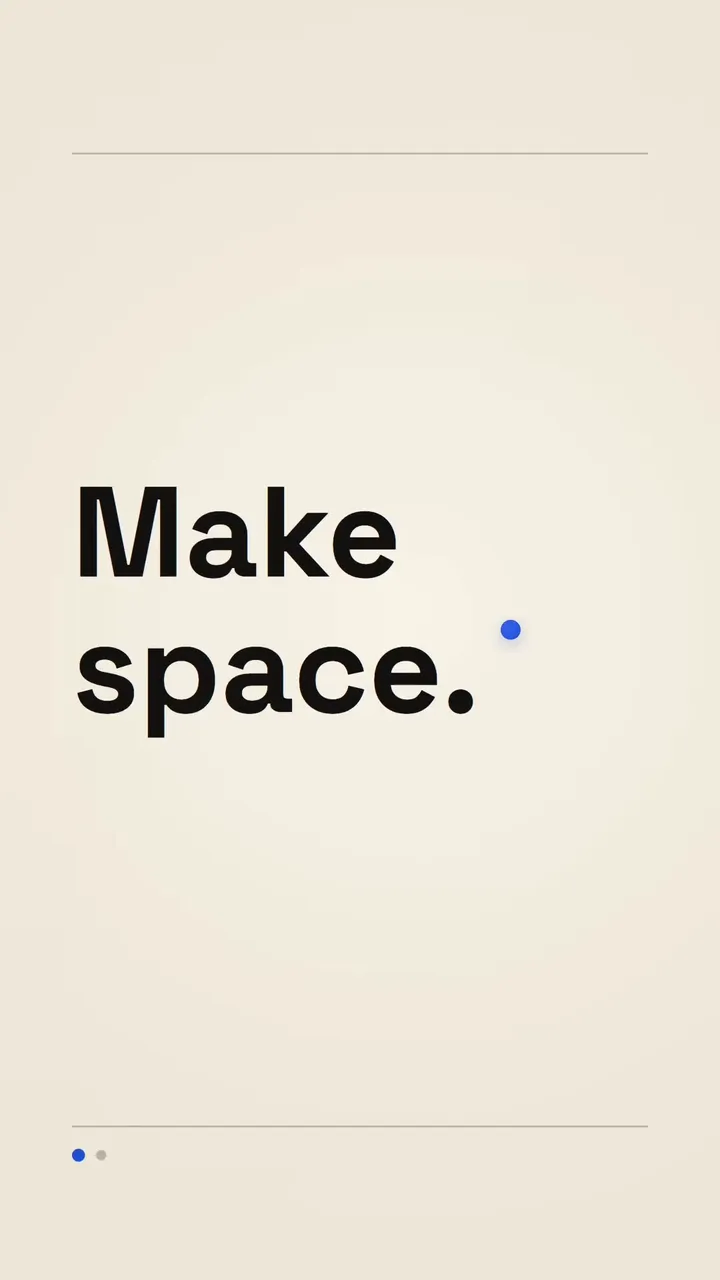
  • Vertical kinetic type: Make space

    Brief: A minimal kinetic typography title for a fictional productivity app. Exact text: "Make space." then "For good ideas." Cream background, large black type, small cobalt-blue circle. Words slide up with smooth easing and a gentle stagger. Hold the last message for one second. Clean editorial layout, no photos, no sound.

    Model:
    Claude Opus 5.5
    Settings:
    9:16 / 5 seconds / 1080p / 30 fps
    Current generation price:
    60 purchased credits
    Generated:
    2026-10-18

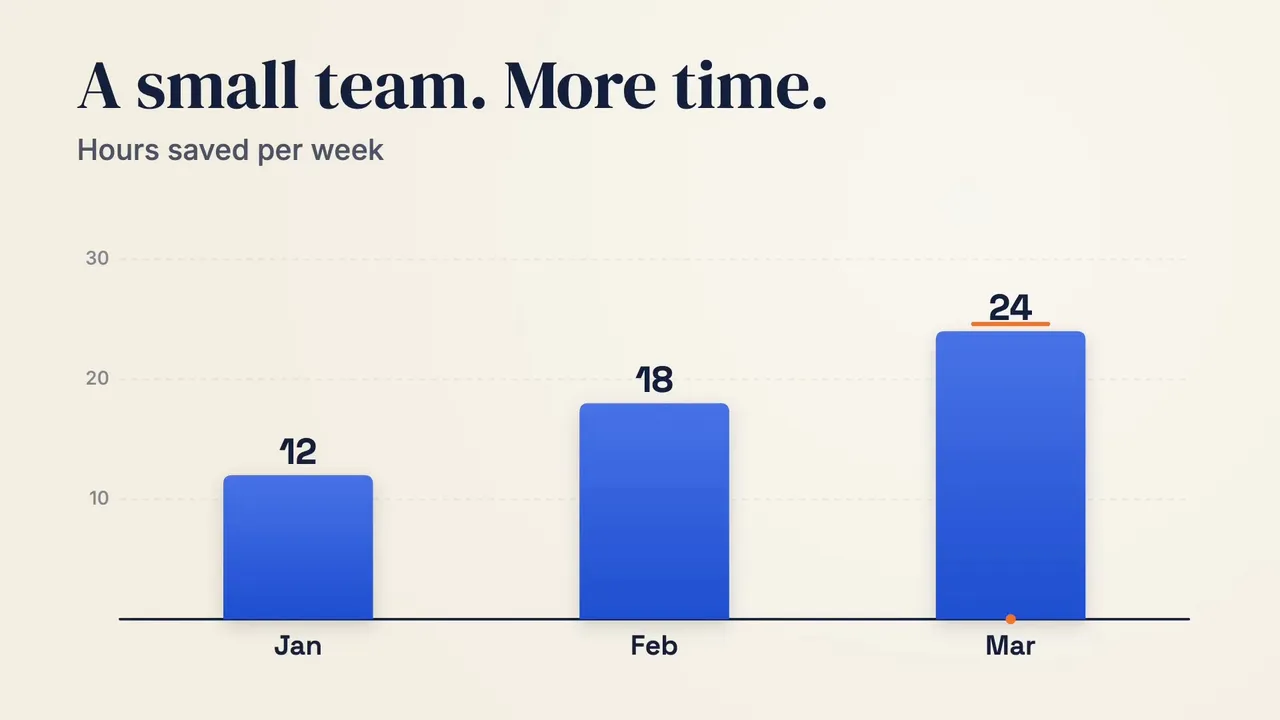
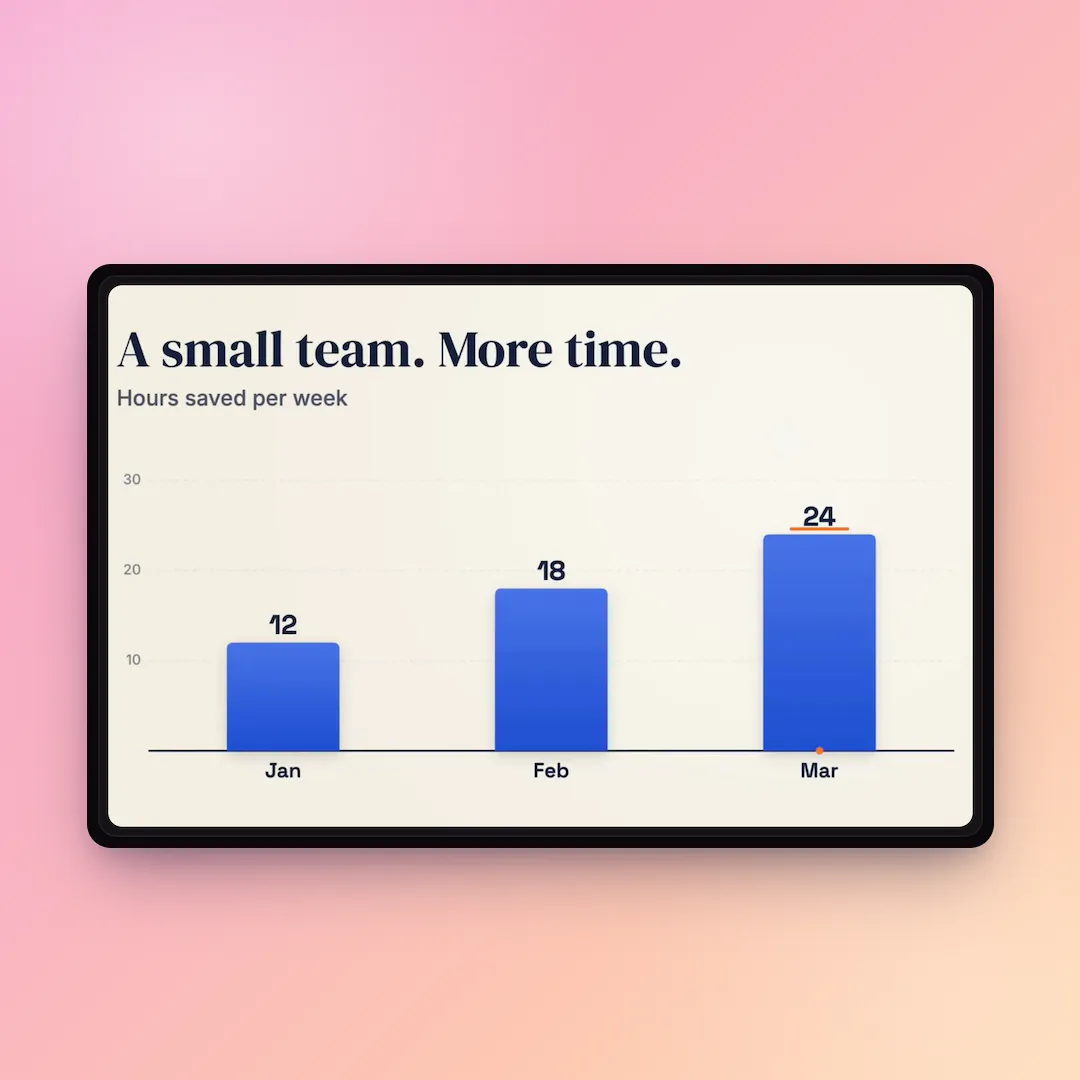
    Silent MP4 from an unedited generated program. The app names and chart data are fictional. A new generation with this brief may differ.

    Try it

An animated text maker that respects your words

  • 01

    Exactly what you typed

    Quotes, names, prices and punctuation come out character for character, including accents, symbols and Chinese or Japanese text.

  • 02

    Dozens of text effects

    Typewriter, word-by-word, letter bounce, slide and mask reveals, glitch, neon, handwriting and more, described in plain words.

  • 03

    Readable at every size

    Type is measured and wrapped to fit the frame, with a clear hierarchy between headline and supporting lines.

  • 04

    Ready for any platform

    Vertical for Stories and Reels, square for feeds, widescreen for YouTube and slides.

How to animate text

  1. 01

    Write your text

    Put the exact words in quotes and describe the effect: how it enters, stays and ends.

  2. 02

    Set the look

    Name a font style (bold sans, elegant serif, handwritten, mono) and colors, or let the model choose.

  3. 03

    Export the video

    Preview the text animation and download it as a 1080p MP4 for your editor or social post.

What an animated text generator is for

Animated text grabs attention in the first second of a video and keeps sound-off viewers following along. It is the backbone of intros, quote posts, announcements, lower thirds and lyric clips.

Doing it by hand in After Effects or Premiere means keyframes and presets. A text animation generator gets you a polished result from one sentence, and you can still take the HTML source further.
Text animation styles you can ask for

Describe the effect in your own words; these are common starting points:

  • Typewriter with a blinking cursor
  • Word-by-word or line-by-line reveal
  • Letters dropping in with a springy bounce
  • Mask or wipe reveal behind a moving bar
  • Neon flicker, glitch or scramble decode
  • Handwritten stroke-by-stroke drawing
  • 3D-style flip or rotating words

Text animation versus text in AI video

Pixel video generators often misspell words or let letters morph. Because this tool draws each glyph from a real font, what you type is what appears, on every frame.

Animated text generator FAQ

Is this animated text generator free?

Registration is free; animations require purchased credits. No signup credits are included. The example and prompt are free to view. Every new text animation costs 60 purchased credits, including another attempt with a revised prompt.

Can I get a transparent background for my text animation?

Not yet. Videos export as MP4 with a solid or designed background. Ask for a pure green or black background if you plan to key it out in an editor.

Does it support other languages?

Yes. Type in any language; Chinese and Japanese are drawn with Noto fonts, and right-to-left scripts work best when you mention them in the brief.

Can I choose my own font?

You can choose from the built-in families, including Inter, Space Grotesk, Playfair Display, Bebas Neue, Instrument Serif, JetBrains Mono and Caveat. Custom font files are not supported yet.

Animate your words

Sign up, type your text and download a crisp text animation in minutes.

Last updated October 18, 2026

Create your account